SharePoint Video Gallery Search Webpart

Overview
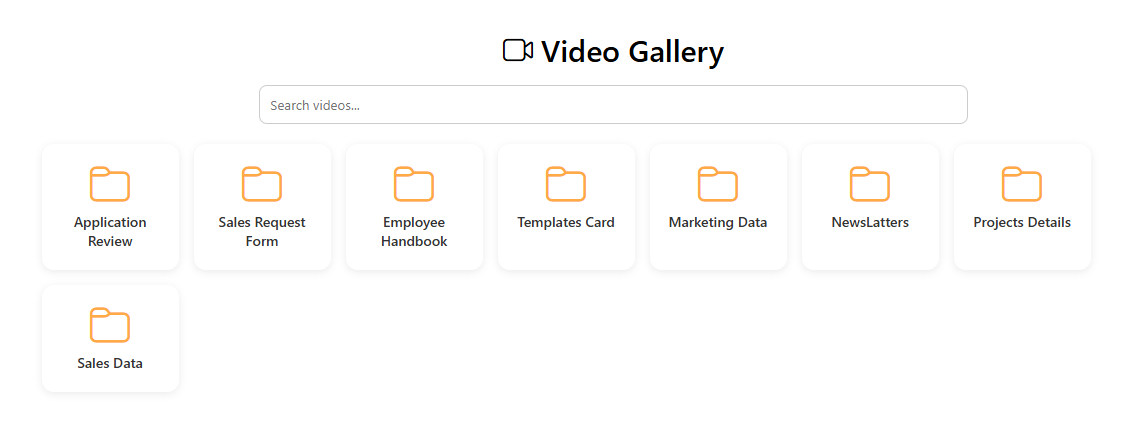
The SharePoint Video Gallery Web Part is a modern SPFx component designed specifically for showcasing and streaming videos stored across your SharePoint site. It provides a clean, fast, and user-friendly interface where users can instantly browse, preview, and play videos without leaving the page.
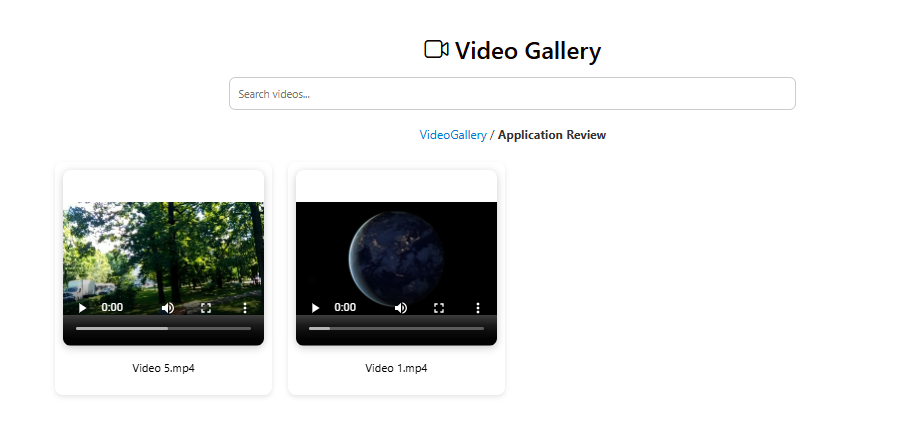
This web part automatically scans one or multiple video libraries, generates responsive thumbnails, supports inline playback, and opens videos in a lightbox or new tab. It delivers a smooth and modern experience for corporate communication, training content, announcements, and team video collections.
- Centralized Video Search: Search across one or more SharePoint libraries using video title, description, tags, or metadata.
- Instant Video Preview: Inline video playback with auto-generated thumbnails and hover preview support.
- Optimized PnPjs Integration: Fast and efficient video retrieval with minimized API calls.
- Responsive Gallery Layout: A beautiful grid-based UI designed to highlight videos on desktops, tablets, and mobiles.
- Support for Multiple Formats: Works with MP4, MOV, WMV, AVI, MKV, and embedded streaming URLs.
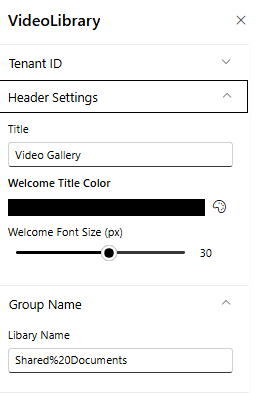
- Brand Customization: Customize colors, card design, play button styles, and layout to match your SharePoint intranet theme.
Ideal for training portals, communication teams, onboarding programs, and enterprise-wide content sharing—this Video Gallery Web Part delivers a visually rich and efficient way to manage and showcase video content.
Product Details
- Platform: SharePoint Online (Modern Experience)
- Framework: SharePoint Framework (SPFx)
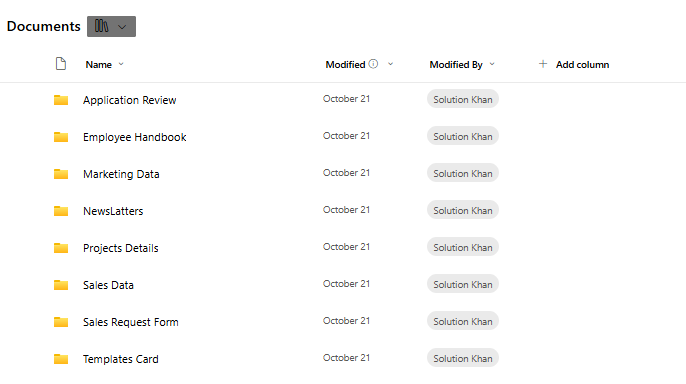
- Data Source: SharePoint Document Libraries
- Integration: PnPjs for fast library search and retrieval
- Features: Dynamic preview, thumbnails, file type icons, filters
- Customization: Branding, custom colors, grid settings
- Performance: Optimized for large libraries with thousands of files
- Support: Easy configuration and installation
How to Install
Step 1
Contact us at info@spintranet365.com to receive the SPFx app package.
Step 2
We help you upload and deploy the package to the App Catalog.
Step 3
Add the Library Search Webpart to your SharePoint page and configure the connected libraries.